Embark on a humorous yet relatable journey into the chaotic world of DIY computer upgrades, where tangled wires, cryptic manuals, and hardware hiccups are the norm. While the promise of faster, smoother performance beckons, the reality often involves battling spaghetti-like cables, incompatible parts, and accidental mishaps that turn a straightforward task into a comedic adventure. Can patience, organization, and a sense of humor transform frustration into triumph? This guide explores the unpredictable obstacles—compatibility issues, tangled cables, and hardware failures—and offers practical advice on navigating them with calm and confidence. It emphasizes that embracing the chaos, celebrating small victories, and learning from setbacks make the process not only rewarding but memorable. Are you ready to see every tangled wire and misstep as a step toward mastery—and perhaps even share a laugh or two along the way? Dive into the lighthearted, instructive world of upgrading your computer’s innards.

Embark on the Chaotic Yet Rewarding Journey of DIY Computer Upgrades
Upgrading your computer on your own might sound simple—just swap out a few parts, and voilà, faster performance. But in reality, it often feels more like jumping into a chaotic adventure. You open the case, only to be greeted by a tangled mess of cables that look more like spaghetti than wires. Manuals are written in cryptic language, and finding the right slot or connector can turn into a puzzle that’s almost impossible to solve. Confidence quickly shifts to confusion, and humor often takes over as you stumble through the process.
Many choose DIY upgrades because they enjoy the feeling of taking control of their tech. There’s something satisfying about replacing old parts with shiny new ones—whether it’s adding more RAM for multitasking or swapping in a faster SSD. These upgrades promise better speed, smoother gameplay, or quicker boot times, and they often cost less than buying a whole new machine. Plus, it’s a chance to learn how your computer works and develop new skills along the way.
But let’s be honest: the journey isn’t always smooth. Instead of sleek, quick swaps, you often find yourself tangled in a web of cables or fighting with hardware that simply refuses to cooperate. Maybe your new graphics card doesn’t quite fit in your case, or your power supply isn’t strong enough for the upgrade. Sometimes, a component isn’t recognized, or requires a BIOS update just to get it working. These moments of frustration are almost inevitable, turning a straightforward upgrade into a comedy of errors.
Handling tiny screws and delicate connectors can lead to mishaps—bent pins, cracked slots, or damaged parts—especially when rushing. Impatience or overconfidence can turn what should be a simple task into a costly repair. It’s easy to force a component in the wrong way or forget to connect a crucial cable, leading to a series of slapstick moments that make you laugh despite yourself. Still, each small victory, like successfully installing a part or untangling a stubborn wire, feels like a real win and keeps the motivation alive.
This chaos is part of what makes DIY upgrades memorable. The messy cables, hardware hiccups, and surprises become stories you’ll tell later. Approaching the process with humor and patience transforms frustration into fun, making the entire journey more rewarding. Because in the end, every tangled wire or hardware mishap is just another step toward mastering your machine—and maybe even sharing a good laugh over it.
The Unpredictable Comedy of Hardware Installation Challenges
When you dive into hardware upgrades, chaos seems to follow like an uninvited guest. One of the biggest hurdles is fitting new components into your existing setup. That shiny new graphics card might look perfect in theory, but then you realize it doesn’t quite fit in your case, or your power supply isn’t powerful enough to handle it. It’s frustrating to plan everything out only to hit a wall when the hardware refuses to cooperate or physically won’t slide into place. Sometimes, the real trouble isn’t even the parts but tiny screws and connectors that vanish into thin air or stubbornly refuse to tighten. It’s like trying to complete a puzzle with missing pieces or parts that just don’t want to cooperate.
Cable management often turns into a comedy show of its own. Anyone who’s attempted a DIY upgrade knows how quickly wires multiply and tangle into a spaghetti mess. Cables cross over each other, loop around, and seem to have a mind of their own, making a neat setup nearly impossible. Troubleshooting these tangled webs can feel like trying to untie a knot that only gets tighter the more you pull. Labels and zip ties help, but chaos often reigns if you’re rushing or not paying close attention. It’s almost as if the cables have conspired to make your life difficult, especially when you realize you’ve spent more time untangling wires than installing parts.
Hardware recognition issues are another common pitfall. You might install a component perfectly, only to find your system refuses to recognize it. Sometimes, a BIOS update or reset is necessary before the motherboard acknowledges the new hardware. Other times, it’s a simple compatibility slip—your motherboard just doesn’t support the new RAM or your power supply isn’t enough for a high-end GPU. These surprises can be frustrating but often humorous in hindsight, especially when you realize you overlooked basic compatibility checks until it’s too late. They serve as a reminder that even well-planned upgrades can turn into puzzles.
Accidents happen, especially when rushing through the process. Bent pins, cracked slots, or damaged connectors are all too common when impatience takes over. Forcing a part into place without double-checking can turn a straightforward upgrade into a costly repair. Whether it’s bending a CPU pin or snapping a motherboard socket, these mistakes often come from overconfidence or haste. Once damage occurs, troubleshooting becomes a stressful—and sometimes funny—ordeal. It’s a clear sign to handle parts carefully and take your time, because rushing almost guarantees setbacks.
Unexpected hardware failures are another curveball. Sometimes, new components arrive dead on arrival, or static shocks fry delicate circuits just as you’re about to finish. These surprises often lead to moments of disbelief—realizing your shiny new toy is useless straight out of the box. They remind us that even new hardware isn’t immune to failure, and troubleshooting becomes part of the process. Patience and systematic testing help turn what feels like a disaster into a valuable learning experience. These unpredictable setbacks are what make the upgrade journey memorable, often leading to stories you’ll laugh about later.
All these chaotic moments highlight one thing: hardware upgrades are rarely smooth sailing. Instead, they’re often a rollercoaster of surprises, frustrations, and small victories. From tangled wires to compatibility surprises, each obstacle adds to the story and the learning curve. The key is to stay flexible, keep a sense of humor, and remember that even the most chaotic upgrade has its moments of triumph. It’s this unpredictability that makes the process both challenging and strangely rewarding—proof that you’re truly getting hands-on with your tech.
Overcoming the Setbacks and Disasters in Your Upgrade Adventure
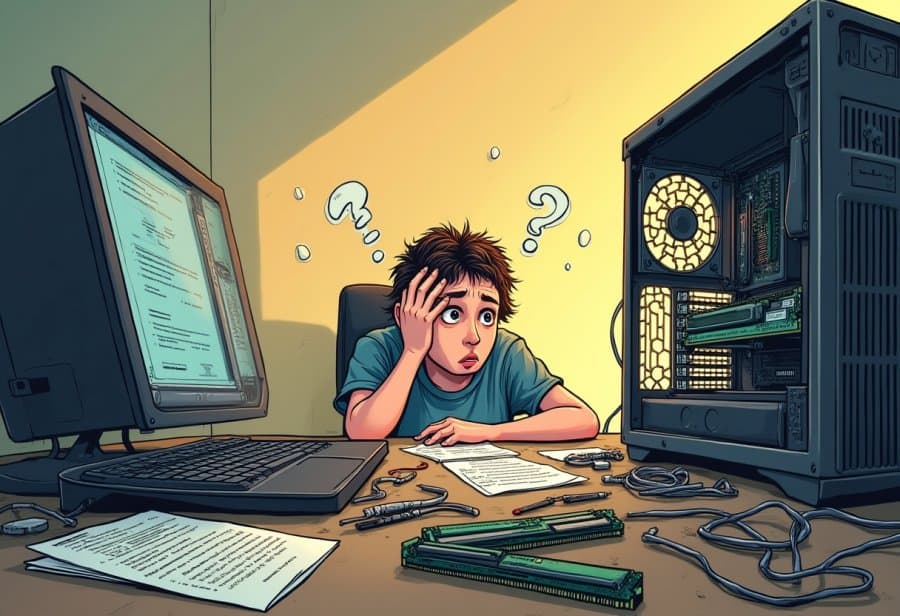
When you start tinkering with hardware upgrades, chaos often seems to lurk around every corner. One of the biggest issues is discovering that your shiny new component isn’t compatible with what you already have. Maybe you buy a high-end graphics card only to realize it won’t fit in your case, or your power supply isn’t strong enough to handle the extra load. These surprises turn what should be a quick swap into a frustrating game of trial and error, making you wish you’d double-checked compatibility beforehand. It’s a reminder that even the best plans can go awry when hardware refuses to cooperate.
Cable management is another source of chaos. As you add more components, wires multiply and tangle into a spaghetti mess that’s nearly impossible to tame. Cables loop, cross, and sometimes seem to have a mind of their own, transforming what should be a tidy setup into a visual nightmare. Troubleshooting these tangled webs can feel like trying to untie a knot that tightens the more you pull. Even with labels and zip ties, rushing through the process often leads to a tangle of frustration, not to mention lost time hunting down the right cable or connector.
Hardware recognition issues catch many off guard. You might install a component perfectly, only to find your system ignores it completely. Sometimes, a BIOS update or reset is needed to get the motherboard to acknowledge the new hardware. Other times, it’s a basic compatibility slip—your motherboard simply doesn’t support the new RAM or your power supply isn’t enough for a demanding GPU. These hiccups can seem minor, but they often require research and patience to resolve, turning what should be a straightforward upgrade into a puzzling challenge.
Rushing through the process increases the risk of accidents. Bent pins, cracked slots, or damaged connectors are common when impatience gets the best of you. Forcing a component into place without double-checking can turn a simple upgrade into a costly repair. Trying to force a part in the wrong way or ignoring safety precautions can cause damage that’s not always obvious right away. Once something’s bent or broken, troubleshooting becomes a stressful, sometimes comical, ordeal—especially if you’re trying to laugh through the frustration.
Unexpected hardware failures are also part of the game. Sometimes, a new component arrives dead on arrival, or static shocks fry delicate circuits just when you’re about to finish. These surprises can be disheartening, making you question whether your shiny new toy is even worth the effort. They serve as a stark reminder that even new hardware isn’t immune to failure. Patience and systematic testing become your best tools to turn setbacks into learning moments, and eventually, a sense of accomplishment.
These challenges highlight one thing: hardware upgrades rarely go as smoothly as planned. Instead, they’re often a rollercoaster of surprises, setbacks, and small victories. From compatibility issues to tangled wires, each obstacle adds to the story—and to your skills. The key is to stay flexible, keep a sense of humor, and remember that even the most chaotic upgrade can lead to a satisfying win. It’s the unpredictability that makes the process both frustrating and strangely rewarding, proof that you’re truly hands-on with your tech.
Navigating the Upgrade Maze with Humor, Patience, and Strategy
Approaching a DIY upgrade with humor and patience can transform what often feels like chaos into an unexpectedly enjoyable experience. When you’re elbow-deep in tangled wires and delicate components, it’s easy to feel overwhelmed. Instead of panicking, taking a step back and adopting a light-hearted attitude helps you stay calm when things don’t go perfectly. Laughing at a cable slip or a stubborn screw can reset your mood, making troubleshooting feel less daunting and more like part of the journey. A sense of humor turns setbacks into stories worth sharing and keeps frustration at bay.
Patience is your best ally when working through hardware upgrades. Moving slowly, double-checking each connection, and carefully reading instructions can save hours of head-scratching later. Break the process into small, manageable steps—install one component, tidy a section of cables—then pause to celebrate each success. These little wins boost confidence and remind you that progress doesn’t have to be fast to be real. Rushing often leads to mistakes, so embracing a steady pace makes the entire process smoother and more satisfying.
Organizing your workspace before diving in can prevent chaos from spiraling out of control. Lay out tools, label cables, and keep tiny screws in a dedicated container. This simple prep keeps clutter at bay and reduces the chances of losing important parts. Working systematically—disconnecting and reconnecting one cable at a time—helps avoid accidental errors and makes troubleshooting easier if something doesn’t work right away. When tangled wires threaten to take over, take a deep breath, gently work through the knots, and remember that patience and organization are your best tools.
When setbacks happen—which they inevitably will—try to see them as part of the learning experience. A component that doesn’t fit, a cable that’s too short, or a system that refuses to recognize new hardware aren’t failures but opportunities to improve your skills. Online forums and quick searches often provide the tips needed to fix these issues. Sharing your mishaps with fellow enthusiasts can turn frustration into humor, and each challenge overcome adds to your confidence. Over time, these small frustrations become stories of perseverance and growth, making the entire upgrade process more rewarding.
Finally, accepting that perfection isn’t the goal helps keep the mood light. Rushing increases the risk of accidents and overlooked details. Instead, focus on steady progress, and remember that patience and a good sense of humor are key. Celebrating small victories—like successfully installing a part or untangling a stubborn wire—makes the journey more enjoyable. When everything finally fires up and runs smoothly, the sense of achievement is all the sweeter because you’ve navigated the chaos with a smile. Embracing the unpredictable turns your upgrade from a stressful chore into a memorable adventure.
Embracing the Chaos: Turning Mishaps into Memorable Milestones
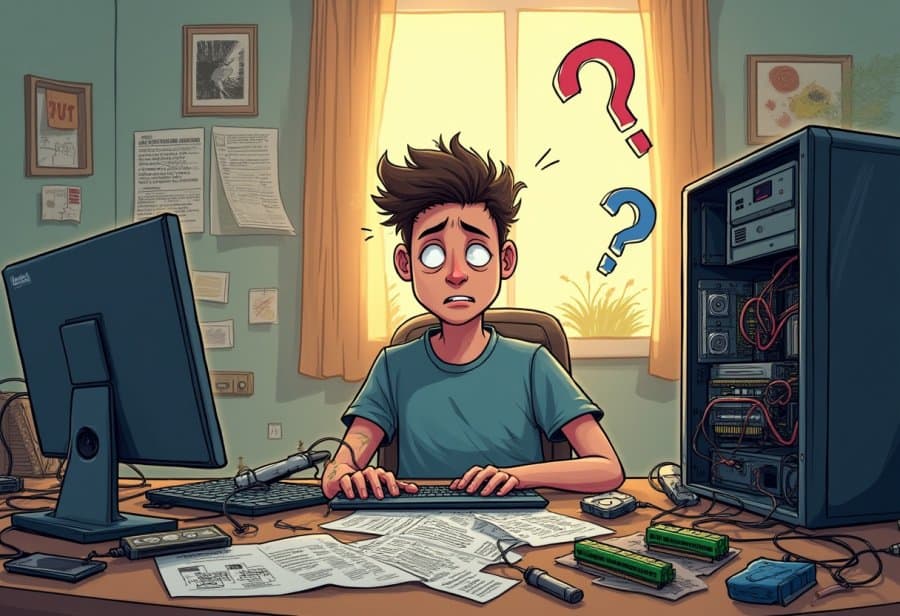
Wrapping up a DIY computer upgrade, the chaos—whether it’s tangled wires, hardware hiccups, or unexpected surprises—becomes part of the story you’ll share later. These moments of mishap aren’t just setbacks; they’re badges of the learning process and proof that nobody’s perfect, even seasoned builders. Instead of dreading mistakes, seeing them as opportunities to grow keeps the mood light and the experience more rewarding. Often, the funniest stories and most memorable lessons come from those little disasters, turning frustration into laughter.
Having a good sense of humor makes all the difference. When cables are a tangled mess or a component refuses to cooperate, stepping back and chuckling at the situation can reset your perspective. These chaotic moments are what transform a technical task into a memorable adventure. They remind us that setbacks are just part of the journey—and more often than not, they’re what make the process worth recounting. Approaching problems with patience and humor turns frustration into a badge of resilience and makes the overall experience more enjoyable.
Patience is your best ally in this process. Rushing through an upgrade increases the chances of mistakes like loose screws, bent pins, or overlooked connections. Taking your time to double-check each step, handle parts carefully, and work methodically prevents costly errors. When everything finally clicks—when a cable finally fits or a system recognizes a new component—the sense of accomplishment is even sweeter. These small victories, built on patience, help turn what could be a stressful chore into a satisfying achievement.
Accepting that setbacks are normal helps maintain motivation. Every misstep, from a compatibility slip to a hardware failure, becomes a chance to learn something new. Instead of feeling defeated, treat each challenge as a puzzle waiting to be solved. Online forums, quick searches, and a bit of perseverance often turn problems into opportunities for growth. These moments of troubleshooting and overcoming adversity make the successful upgrade all the more rewarding—and give you stories to laugh about later.
In the end, embracing the chaos transforms what might seem like a frustrating task into a memorable adventure. The tangled wires, hardware mishaps, and surprises are part of what makes your DIY journey unique. Each mistake and misstep adds character and experience, proof that you’re hands-on and learning along the way. With patience, humor, and a positive outlook, the chaos becomes not just manageable but an essential part of the process. When your upgraded PC finally runs smoothly, those funny stories will be the highlights of your tech journey, reminding you that sometimes, the best upgrades happen in the messiest ways.